
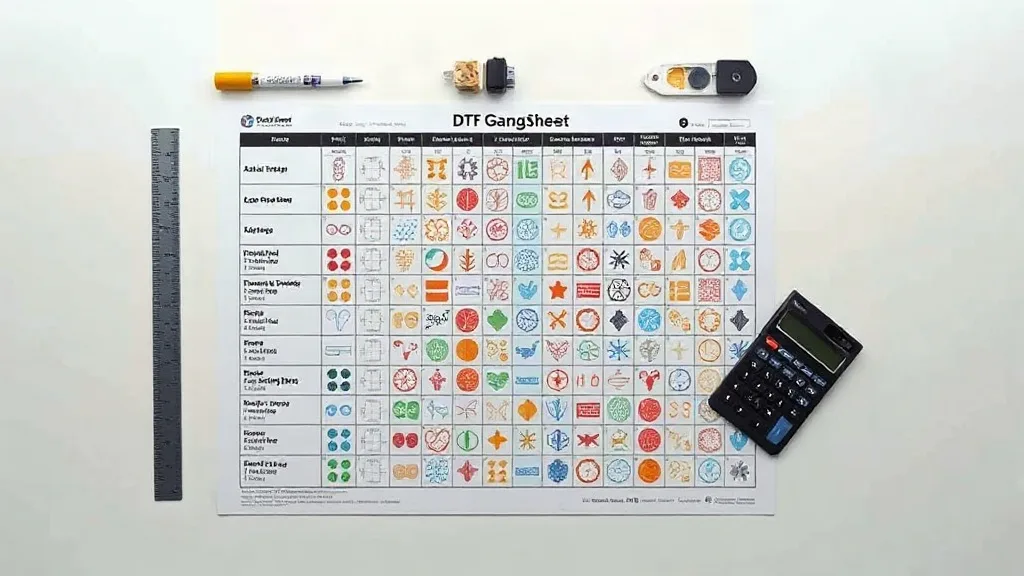
You have probably heard that ordering a DTF Gangsheet saves money compared to individual transfers. But here is the uncomfortable truth: many print shops still leave 20 to 30 percent of their film unused. That is not just wasted material; it is wasted profit. If you are running a DTF operation, the difference between a good month and a great month often comes down to how well you use every square inch of film.
This article is not about basic file preparation or color settings. Instead, we are going to look at film utilization from a business angle. You will learn how to measure it, why it matters more than you think, and practical ways to squeeze more prints out of every sheet without sacrificing quality.
Why Film Utilization Is Your Hidden Profit Lever
DTF film is one of your biggest recurring costs. Unlike ink or powder, which scale with the amount of printing you do, film is a fixed cost per sheet. Whether you print one small logo or fill the entire sheet, you pay for the same piece of film. That means every empty square inch is money you have already spent but cannot recover.
Think about it this way: if a sheet costs you $2 and you only use 70 percent of it, you are effectively paying $2.86 per fully used sheet. Over a hundred sheets, that adds up fast. And it is not just film. Powder, ink, and time all get wasted when you run a sheet that is not fully optimized.
The good news is that film utilization is one of the easiest metrics to improve. You do not need new equipment or expensive software. You just need to pay attention to how you arrange your designs and make a few small changes to your workflow.
How to Calculate Your Film Utilization Rate
Before you can improve something, you need to measure it. Film utilization is simply the percentage of the film area that is covered by printed designs. Here is a simple way to calculate it:
- Measure the total printable area of your film sheet (width times height).
- Add up the area of all the designs on that sheet.
- Divide the total design area by the film area and multiply by 100.
For example, if you have a 22 by 24 inch sheet (528 square inches) and your designs cover 370 square inches, your utilization rate is about 70 percent. Anything below 80 percent is a red flag for most shops. High-performing operations aim for 85 to 95 percent.
You do not need to do this for every sheet. Pick a few typical sheets from your production run and calculate the rate. You will quickly see where you are losing money.
What Counts as Wasted Space?
Not all empty space is waste. You need a small margin around each design for cutting and handling. But large gaps between designs, unused corners, and sheets that are only half full are clear signs of inefficiency. The goal is to minimize unnecessary space while keeping enough room for clean cutting and transfer.
Nesting Strategies That Actually Save Film
Nesting is the art of arranging designs on a sheet to use space efficiently. Most RIP software has automatic nesting, but it is not always smart. Here are some manual tweaks that can make a big difference.
Rotate Designs to Fill Gaps
Many designs can be rotated 90 degrees without any issue. A long, narrow design that leaves a big gap at the bottom might fit perfectly along the side of another design if rotated. Do not rely on auto-rotation alone; check if a simple rotation can fill a stubborn gap.
Group Similar Sizes Together
If you have multiple designs of the same size, group them together. This creates a block of uniform shapes that is easier to pack tightly. Mixing many different sizes often leads to irregular gaps that are hard to fill.
Use Smaller Sheets for Small Orders
Not every job needs a full-size sheet. If you only have a few small designs, consider using a smaller film sheet. Many suppliers offer half sheets or custom sizes. Printing a small order on a large sheet is one of the most common ways to waste film.
Fill Empty Spaces with Popular Add-Ons
Keep a list of small, fast-selling designs that you can add to any sheet with empty space. Things like pocket logos, small emblems, or name tags are perfect fillers. They cost almost nothing extra to print and can be sold as add-ons or used for samples.
Real-World Example: Turning 70% into 90%
Let us walk through a realistic scenario. A small shop prints a batch of 50 gangsheets per week. Each sheet costs $2.50 in film, and they average 70 percent utilization. That means they are effectively paying $3.57 per fully used sheet. Over a year, that is thousands of dollars in wasted film.
By implementing three changes, they could increase utilization to 90 percent. First, they started rotating designs manually instead of trusting auto-nesting. Second, they grouped orders by size and used smaller sheets for small batches. Third, they added small filler designs to empty spaces. The result: the same number of prints on fewer sheets, saving both film and time.
This is not hypothetical. Many shops that track utilization find similar opportunities. The key is to make it a habit and review your sheets regularly.
Tools and Software That Help
You do not need fancy software to improve utilization, but some tools can help. Most RIP software includes a nesting preview that shows you how much space is used. Use it before you print. Some advanced tools even suggest optimal arrangements. If your current software does not have this feature, consider upgrading or using a standalone nesting tool.
Another low-tech tool: a simple spreadsheet. Track your film usage and utilization rate for a few weeks. You will be surprised at how much awareness alone can drive improvement.
Common Mistakes That Waste Film
Even experienced operators fall into these traps. Watch out for them.
- Printing a full sheet when only a few designs are needed.
- Leaving large margins around designs out of habit.
- Not rotating designs that could fit better sideways.
- Ignoring small gaps that could hold add-on designs.
- Using a one-size-fits-all sheet for every order.
Avoiding these mistakes is often enough to boost your utilization rate significantly.
Frequently Asked Questions
How do I know if my film utilization is good?
A utilization rate of 85 percent or higher is considered good for most DTF shops. Below 80 percent means there is room for improvement. Calculate it for a few typical sheets to get a baseline.
Can I reuse leftover film from a gangsheet?
No, once film has been printed and cured, it cannot be reused. That is why it is important to plan your sheets carefully before printing.
Does film utilization affect print quality?
Not directly, as long as you maintain proper spacing for cutting and transfer. However, overcrowding designs can make cutting more difficult and increase the risk of errors.
What is the best way to fill empty spaces on a gangsheet?
Use small, popular designs that you can sell as add-ons or use for samples. Avoid filling with designs that are unlikely to sell, as that just shifts waste from film to inventory.
How often should I review my film utilization?
Review it monthly or whenever you change your product mix. Regular checks help you catch inefficiencies before they become expensive habits.